Bopster 资讯室
DJ 台的新鲜动态。 资讯、指南与技巧。
Bopster 团队为你的音乐竞猜之夜带来产品更新、分步指南和派对技巧。已有 8 篇文章,持续增加中。
- 8篇文章
- 2篇指南
- 5种语言
- 猜歌游戏怎么玩:年会、聚会都适用的听歌猜歌名与猜年份玩法
- 自制音乐卡牌:用 Spotify、YouTube 或 KKBOX 歌单打印二维码猜歌卡
- The new AI Designer: describe your party, Bopstarr paints your cards
- Bopster v3 is here: what's new
- New Game Mode in Bopster Live!
- Moving to Discogs for Enhanced Accuracy
- A present to our donators & more for everyone in update 2.5
- Background: Why don't we offer more streaming services on Bopster?
文章归档
全部文章
 指南常见问题
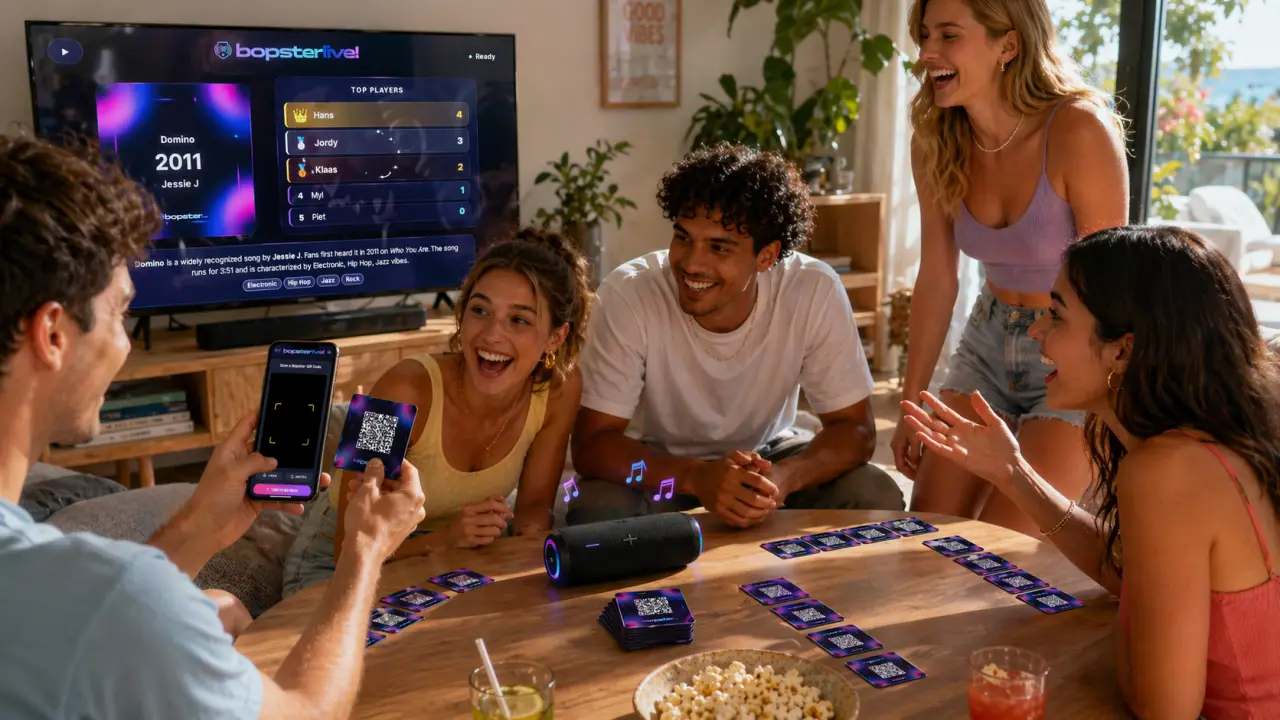
猜歌游戏怎么玩:年会、聚会都适用的听歌猜歌名与猜年份玩法
年会节目、同学聚会、生日派对玩什么?试试用手机就能参与的猜歌游戏:听前奏猜歌名、听歌猜年份,从准备歌单、布置现场到主持流程,一步步讲清楚。
阅读文章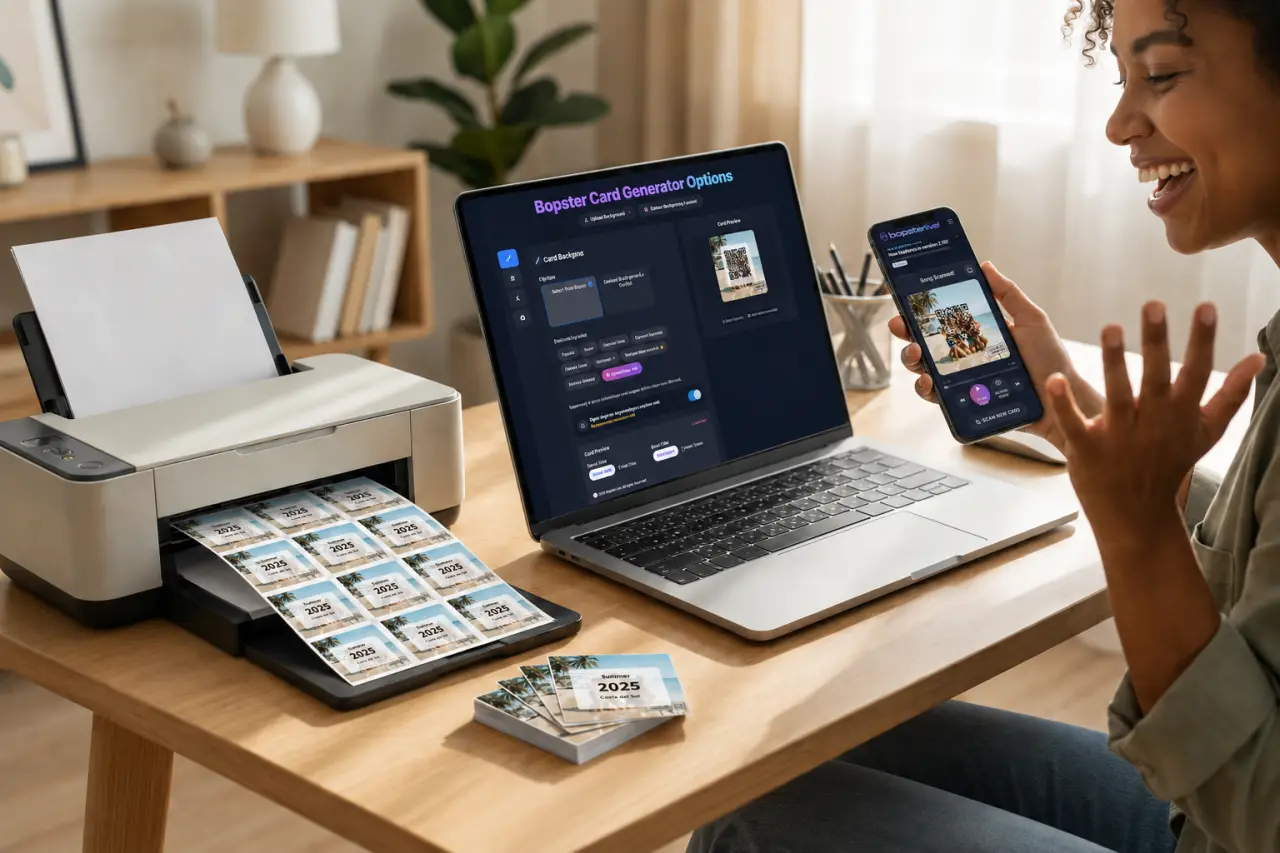 指南常见问题
自制音乐卡牌:用 Spotify、YouTube 或 KKBOX 歌单打印二维码猜歌卡
把喜欢的歌单做成带二维码的可打印音乐卡牌:从 Spotify、YouTube 或 KKBOX 导入,核对发行年份,生成 PDF 打印,全程免费。
阅读文章 资讯常见问题英文内容
The new AI Designer: describe your party, Bopstarr paints your cards
Describe your party in your own words and Bopstarr proposes the text, colours and look, then paints a one-of-a-kind background for your QR music cards.
阅读文章资讯常见问题英文内容Bopster v3 is here: what's new
Bopster v3 brings a new Studio for playlists, a Designer for printable QR music cards, your own My Bopster home and Bopstarr, your AI DJ.
阅读文章 资讯英文内容
New Game Mode in Bopster Live!
New on Bopster Live: Guess the Year! (And Song)
阅读文章 资讯英文内容
Moving to Discogs for Enhanced Accuracy
To power our recent growth and improve data quality, Bopster is transitioning from MusicBrainz to a high-performance Discogs database. This upgrade delivers a 15% boost in year accuracy and faster search speeds across Yearify 2.0 and Bopster Live. Check out our full roadmap to see when these changes go live and which legacy services will be deprecated on February 7th.
阅读文章 资讯英文内容
A present to our donators & more for everyone in update 2.5
Bopster Update: New Features & Performance Boosts Thanks to recent community donations via Ko-fi, Bopster has rolled out several major upgrades for both supporters and general users. New for Donators Branding Removal: You can now disable "bopster.app" watermarks on custom image cards. Custom Live Designs: Scan your personalized cards in Bopster Live (including Chromecast mode) to see your own designs instead of standard templates. Updates for Everyone 10x Faster "Yearify Accurate": Upgraded servers have slashed processing times. A 150-song playlist search that previously took 3 minutes now finishes in just 30 seconds. Design Picker: New controls in Bopster Live allow you to filter out specific designs to better match your event's theme. How to Use Custom Live Designs To display your own art in Bopster Live, ensure you select Bopster QR Enhanced during the download process and toggle the "Use your images in Bopster Live" option on the final step.
阅读文章 资讯英文内容
Background: Why don't we offer more streaming services on Bopster?
This article describes why we don't offer any more streaming services on Bopster.
阅读文章
没有匹配结果
换个关键词,或浏览全部内容。
快速解答
大家经常问的问题
来自指南的简短解答,每条都可跳转到完整文章。
猜歌游戏怎么玩?
准备一个主题歌单,主持人用 Bopster Live 连接音箱播放歌曲,参与者通过实时同玩在自己的手机上回答年份和歌名,答得最接近或正确的人得分。
阅读完整指南参与者需要下载应用吗?
不需要。扫描屏幕上的二维码或输入加入码,就能直接在浏览器中参与。
阅读完整指南怎样自己制作音乐卡牌?
在 Bopster Studio 导入歌单,用 Yearify 核对年份,再在 Designer 中生成 PDF 打印即可。卡牌用 Bopster Live 扫描游玩。
阅读完整指南可以用 KKBOX 歌单制作卡牌吗?
可以。粘贴 KKBOX 歌单链接即可导入,一次约 100 首。KKBOX 导入不带年份,请用 Yearify 补全。歌曲会在 Bopster Live 中转换为 YouTube 版本播放。
阅读完整指南Is the Bopster AI Designer free?
Coming up with ideas and sketches is free. Painting a card uses one credit: donators get 10 credits to start with, and every extra donation of €3 or more adds 20 more.
阅读完整指南Which AI models does the AI Designer use?
You choose between GPT Image 2.5 Sunburst, Nano Banana 2.1, Qwen Image 2.1 and Grok Imagine 2. Each paints in its own style and at its own speed.
阅读完整指南What is new in Bopster v3?
Bopster v3 adds the Studio for building playlists, the Designer for printable QR music cards and My Bopster, a personal home for your drafts, playlists and account. The site also has a new design with Bopstarr, the Bopster AI DJ.
阅读完整指南Can I still use the classic Bopster wizard?
Yes. The classic wizard and the classic card generator are under Classic in the menu, and your songs come with you when you switch.
阅读完整指南