From Playlist To Party.
A magical tool to help you create your own Hitster cards. Make your own, print them and share them in our library. Have fun!
Supported Platforms
What can you do with Bopster?
From curating the perfect playlist to scanning cards and even casting them to your TV. Always 100% free.
Curate your Playlist.
It all starts with the music. Import from Spotify, YouTube, Tidal, Apple Music & Deezer, or build it manually.
AI Generation
Use over 10 AI models to generate lists instantly. Perfect for impromptu game nights.
Bulk Import
Have an Excel sheet? Import it directly. We'll handle the metadata.
Yearify Analysis
Streaming services often have the "Remastered" date instead of the original release. Yearify scans and fixes dates automatically.
Generate your cards.
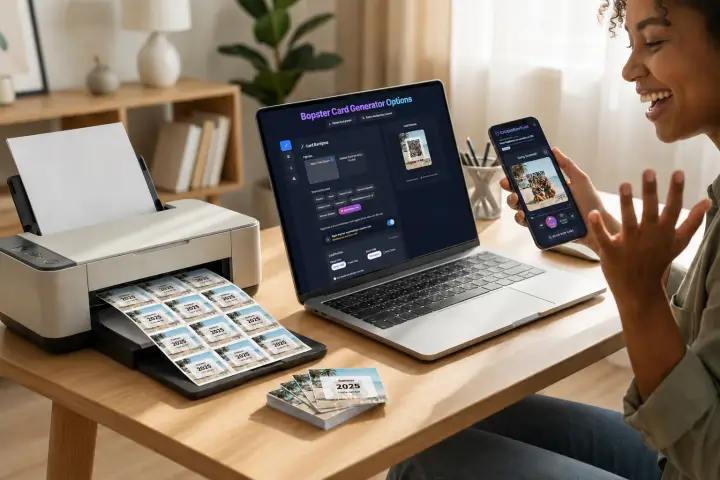
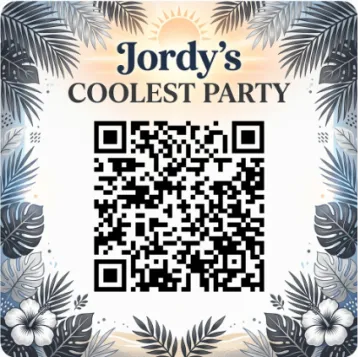
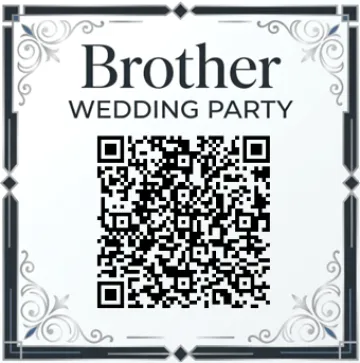
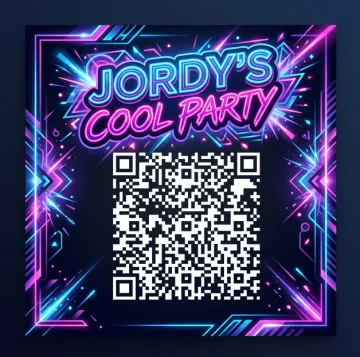
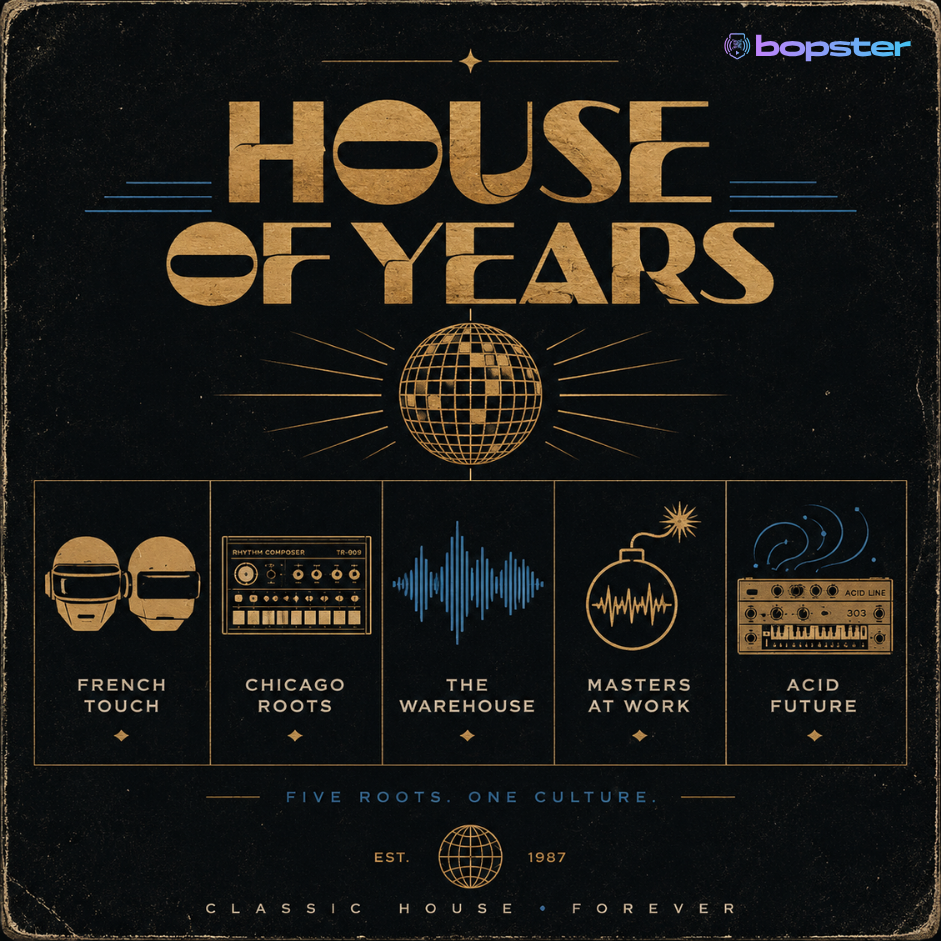
The heart of the game. Customize every pixel with the Bopster Card Generator.
-
Infinite Customization 25+ preset designs, 15+ fonts, custom colors, QR sizes, and mirroring options.
-
Format Options Original 64x64mm or Large 90x55mm. Normal QRs, Enhanced QRs, or Spotify Codes.
Donator Perks
No bopster.app branding on your custom card uploads and show your designs in Bopster Live.
Bopster Live
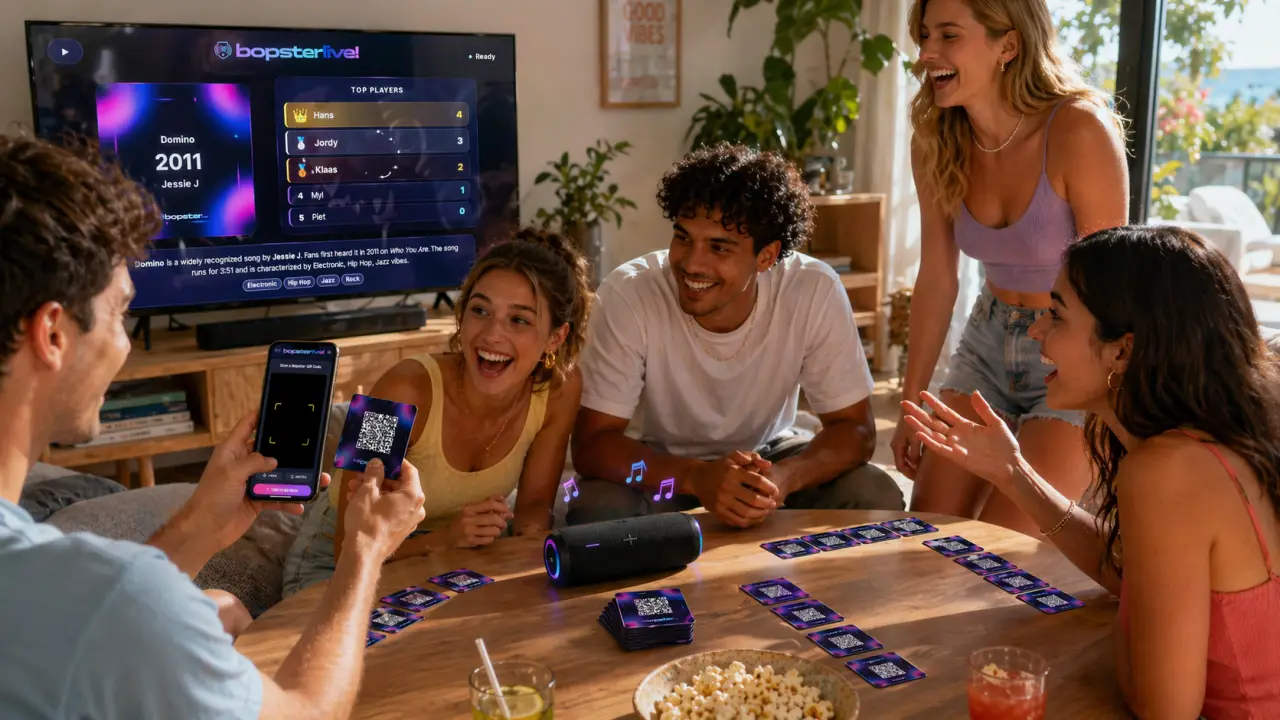
Our most advanced card scanner. Play physically with cards or go fully digital.
Cast to TV
See your scanned card on the big screen, play audio through TV speakers, and watch music videos upon reveal. (Chromecast)
Smart Scanner
Free, no subscription required, scans with all major streaming services. Supports rotation-free scanning. Integrates with YouTube (Free), Tidal (HiFi), and Spotify (donation required).
Digital Scoreboard
Left your tokens at home? Use the digital scoreboard in Bopster Live.
Stunning Designs
How to Play.
Inspired by the Hitster board game, a trademark of Koninklijke JUMBO. Simple rules, endless fun.
Scan
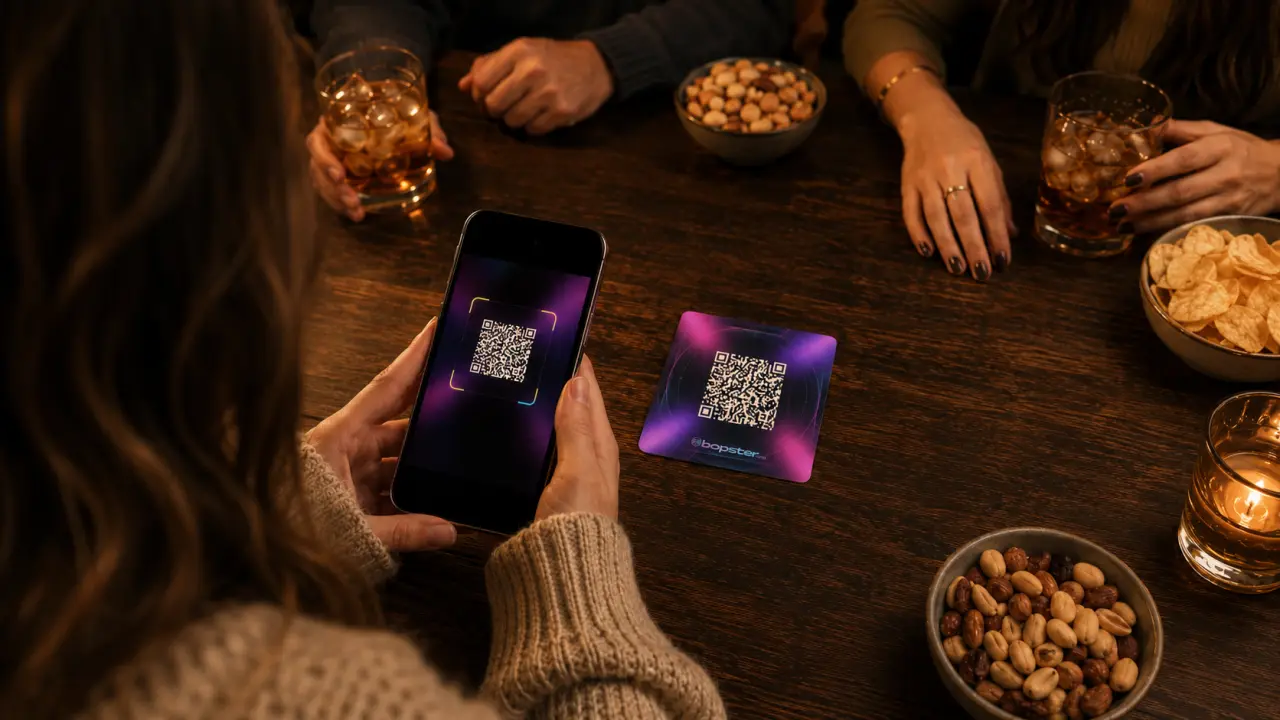
Scan the QR card with Bopster Live or your phone camera to play the song automatically.
Place
Guess the release year and place the card face-down in your timeline.
Flip
Flip the card to reveal the year. If correctly placed, keep it. First to 10 wins!
Preparation
- Shuffle cards and place them face down in a draw pile.
- Each player draws one card, places it face up. This is the start of your timeline.
- If using tokens (optional), give each player 3 tokens.
- Decide who goes first (e.g., youngest player).
Using Tokens (Optional)
Don't know the song? Discard it and draw a new one.
If an opponent places a card incorrectly, challenge them! If you place it correctly in your timeline, you steal the card.
Take any card from another player's timeline and add it to yours.
Simplified / Paperless Version
Perfect for quick games or playing entirely digitally with Bopster Live.
- Use Bopster Live to manage the deck.
- Scan a card. State if the song is OLDER or NEWER than the last played card.
- Check the year. If correct, you get a point (or keep the card).
- The card just played becomes the new reference point.
- First to 5 points wins!
Community Playlists
Latest additions from our 1000+ library.
HITSTER BINGO +
by FilipSu
kuip_kid
by jarnokuieprs
vanalles
by Robby
alles
by Robby
Hitster
by Robby
Loïc
by LoicM
Latest News
View All News →New Game Mode in Bopster Live!
New on Bopster Live: Guess the Year! (And Song)
Moving to Discogs for Enhanced Accuracy
To power our recent growth and improve data quality, Bopster is transitioning from MusicBrainz to a high-performance Discogs database. This upgrade delivers a 15% boost in year accuracy and faster search speeds across Yearify 2.0 and Bopster Live. Check out our full roadmap to see when these changes go live and which legacy services will be deprecated on February 7th.
A present to our donators & more for everyone in update 2.5
Bopster Update: New Features & Performance Boosts Thanks to recent community donations via Ko-fi, Bopster has rolled out several major upgrades for both supporters and general users. New for Donators Branding Removal: You can now disable "bopster.app" watermarks on custom image cards. Custom Live Designs: Scan your personalized cards in Bopster Live (including Chromecast mode) to see your own designs instead of standard templates. Updates for Everyone 10x Faster "Yearify Accurate": Upgraded servers have slashed processing times. A 150-song playlist search that previously took 3 minutes now finishes in just 30 seconds. Design Picker: New controls in Bopster Live allow you to filter out specific designs to better match your event's theme. How to Use Custom Live Designs To display your own art in Bopster Live, ensure you select Bopster QR Enhanced during the download process and toggle the "Use your images in Bopster Live" option on the final step.