Bopster in the Mix has been rebuilt from the ground up. The biggest change is the new End to end mode: link whole playlists and play them back to back, each in its own order. The Mix also got the look of the Studio and Designer, new sliders, Bopstarr built in and a welcome tour.
Play whole playlists end to end
Many of you asked for an easy way to link playlists and play them one after the other. Here it is:
- Open Bopster in the Mix and add playlists from Your crates: every public playlist, plus your own under Mine.
- Put them in the order you want on the deck and choose End to end.
- Press Open in Studio and play the first song. The Studio player runs through the whole list, playlist after playlist.
Every playlist comes in whole and in its saved order. In the Studio you can save the result as one playlist, print it with Print cards or start a game with Play on Bopster Live.
Chain playlists straight from the Library
You don't even have to open the Mix. Every playlist in the Library and in My Bopster now has a link button: Add to chain. Your Playlist chain collects at the bottom of the screen, where you can change the order and send it to the Studio, to Bopster Live or into the Mix.
Or blend them into one set
Prefer a mix instead of a marathon? The other modes take a pick from each playlist:
- Smart weave: takes turns between the playlists.
- Keep sections: a pick from each playlist, one after the other.
- Full shuffle: everything thrown together.
New sliders set how many songs each playlist gives and which release years it may use. Drag a handle, tap the bar or pick 10, 25 or All.
Bopstarr lends a hand
Create game section lets the Bopstarr DJ build a year-guessing round with checked release years, which lands on the deck as its own block. And Ask Bopstarr does several things in one go, for example "Add three 80s playlists and take 10 from each". One Undo takes it all back, and the / key opens him from anywhere on the page.
Faster, with a tour to get started
The page now opens right away, and Bopstarr fetches the playlists in the background. On your first visit a short tour shows you around; the Tour button replays it any time. Give it a spin in Bopster in the Mix, then play your set in Bopster Live.
Frequently asked questions
How do I play several playlists one after the other?
Open Bopster in the Mix, add the playlists, choose End to end and press Open in Studio. Play the first song and the Studio player plays every playlist in full, in the order of your deck.
Does Bopster Live play a mix in order?
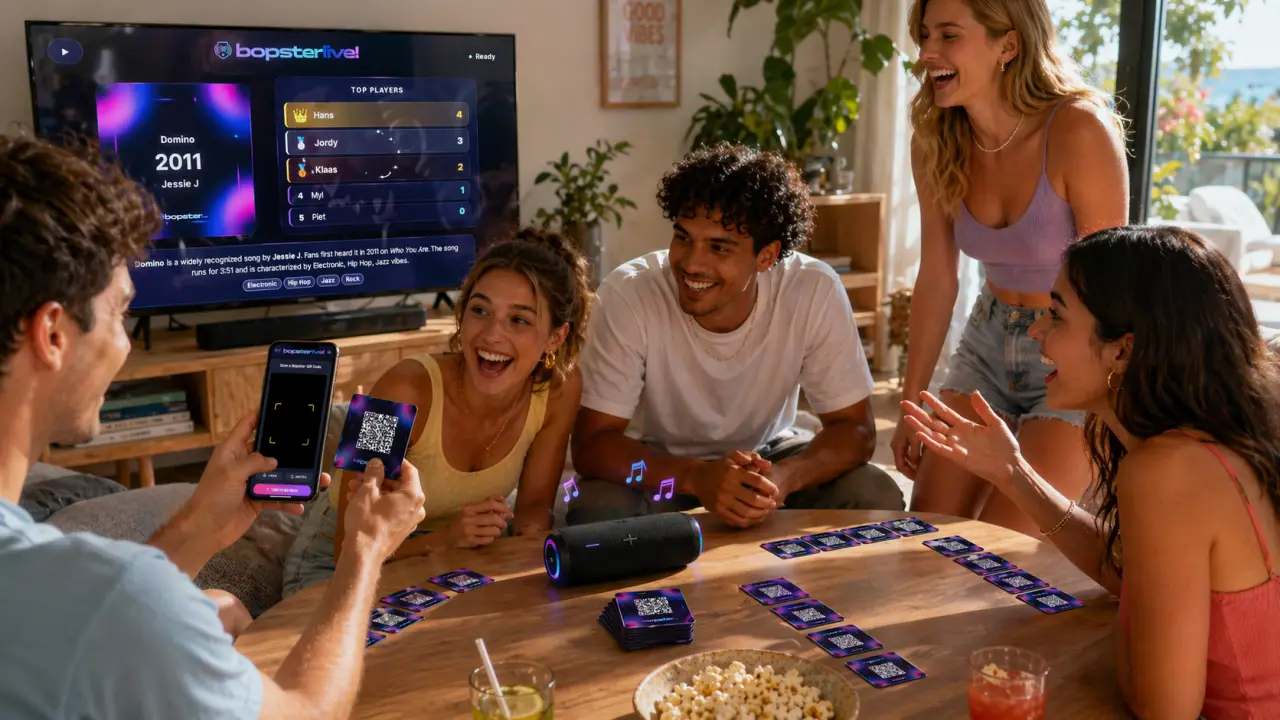
No. Bopster Live is a guessing game and draws the songs at random. To hear a mix in order, play it with the Studio player.
Is there a gap between the songs?
A short one. Songs play through YouTube or Spotify, and each one needs a moment to load.
How many songs can one mix have?
Up to 2,000 songs in one list. If your playlists add up to more, the songs after that are left out, and the Mix warns you before you start.