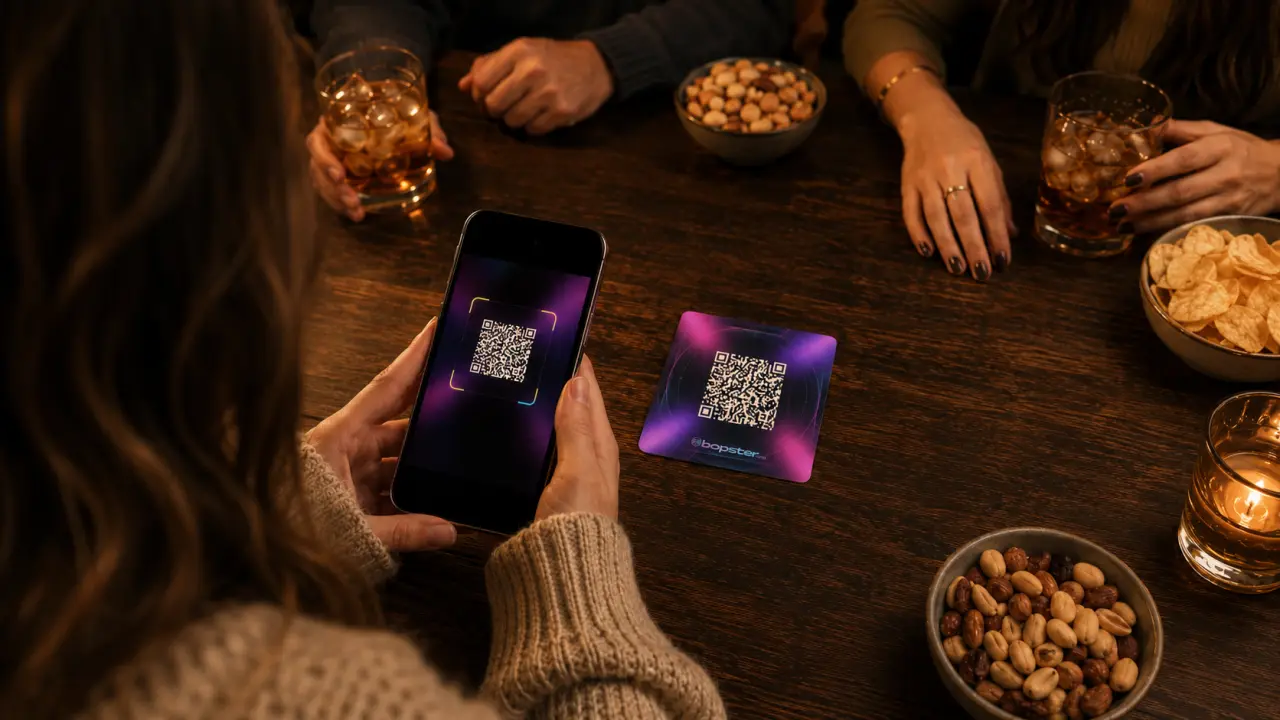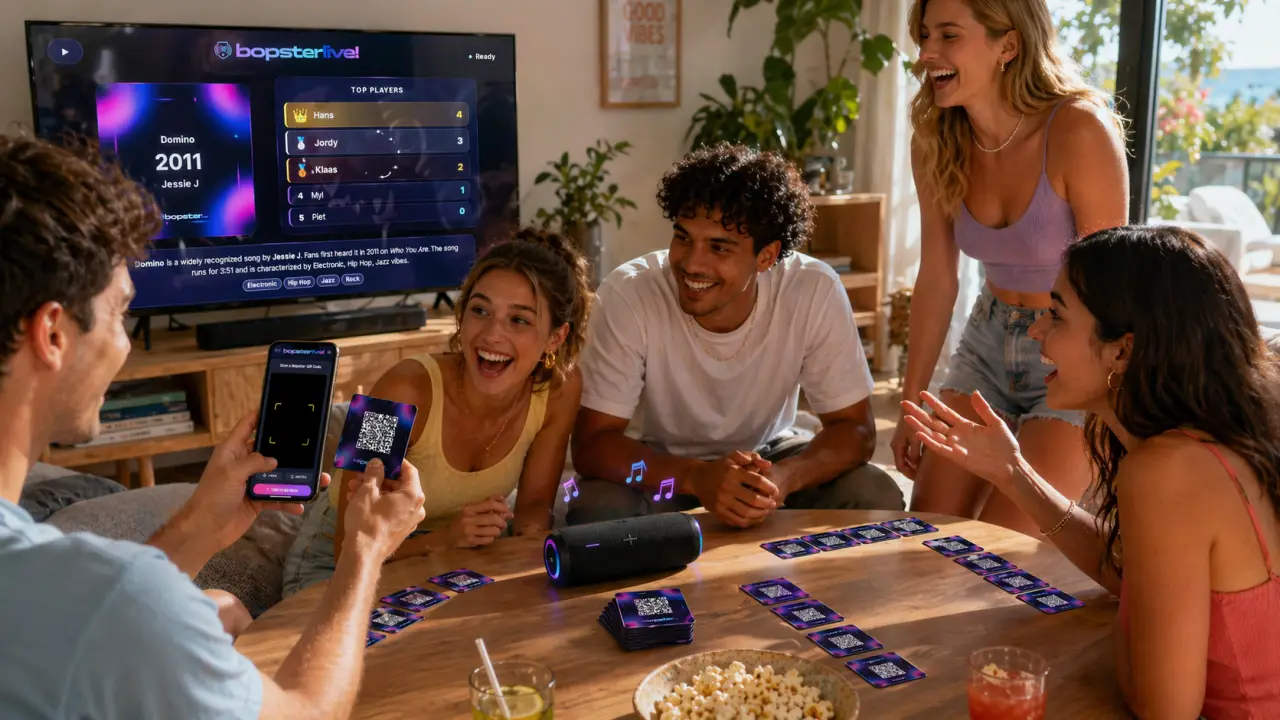
A Christmas music quiz is easy to put together with Bopster: choose a playlist of festive songs, print them as QR music cards and let Bopster Live play each song while everyone guesses the year. It's free, works for all ages, and you can play with printed cards or straight from a playlist on the TV.
What you need for a Christmas music quiz
- A Christmas playlist (from the Library, your music service, or made by Bopstarr).
- A phone or tablet to run Bopster Live, plus a speaker.
- Optional: a printer and some card stock, if you want real cards on the table.
- Optional: a TV or Chromecast, so everyone can follow along.
Step 1: Pick your Christmas songs
You don't have to start from scratch. Search the Library for "Christmas": the community has already made several Christmas playlists you can play right away or copy and edit.
Prefer your own? Open the Studio and import a Christmas playlist from Spotify, YouTube, Apple Music, Deezer or TIDAL. Or ask Bopstarr, the Bopster AI DJ, for something like "cozy Christmas dinner playlist" or "Christmas pop hits from the 80s to now". He only picks songs that really exist and adds the links, years and covers for you.
Step 2: Check the release years
Christmas songs come back every year as remasters, re-releases and holiday compilations, so the year your music service shows is often not the year the song first came out. That matters, because the year is the whole game. Run Yearify from the Studio's tools before you print: it looks up the earliest release year of each song and lets you review every change. Our guide on fixing wrong release years explains how it works.
Step 3: Design and print festive cards
In the Designer, pick a look for your cards. The design themes include Christmas designs, and you can mix several designs across one deck. Choose Bopster QR Enhanced so Bopster Live can scan the cards without giving the song away.
Turn on the two-page player guide if relatives are new to the game: it explains how to print, cut and play. Print double-sided and flip on the long edge, then cut the cards out.
Step 4: Play on the TV or on everyone's phone
Scan a card (or start the playlist) in Bopster Live. The song plays with its details hidden, everyone guesses, and Reveal Song shows the title, artist and year. The closest guess wins the round.
- On the TV: Big Screen shows the current card, the join code and the answer options on a TV or Chromecast.
- On phones: with Live Together, each player joins with a code and guesses the year on their own phone. The host controls playback and the reveal.
- For mixed ages: Multiple Choice shows three possible answers, which makes it easier for kids and anyone who doesn't know every artist.
New to Bopster Live? Read how to use Bopster Live before the big night.
Tips for a great Christmas quiz
- Keep rounds short. Play a set of songs between dinner courses instead of one long session.
- Test the sound first. Scan one card before guests arrive, so you know the speaker and the playback work.
- Print early. Printers and card stock tend to run out right before the holidays.
- Make it a present. A deck of cards with the family's favourite songs, in a small box with the player guide, makes a personal homemade gift.
Planning a bigger party? Our guide on how to host a music quiz night covers the set-up step by step.
Frequently asked questions
Where can I find Christmas songs for a music quiz?
Search the Bopster Library for "Christmas" to find ready-made community playlists. You can also import your own Christmas playlist into the Studio or ask Bopstarr to build one from a description.
Can kids and grandparents play a music quiz together?
Yes. Use Multiple Choice in Live Together, which shows three possible answers, and mix songs from several decades so everyone recognises some of them.
Can I give homemade music cards as a Christmas present?
Yes. Design the cards in the Bopster Designer, add the two-page player guide, print them double-sided and put them in a box. The receiver plays them by scanning with Bopster Live.