Bopster Newsroom
Fresh from the booth. News, guides & tips.
Product updates, step-by-step guides and party tips for your music quiz nights, straight from the Bopster team. 12 stories and counting.
- 12stories
- 6guides
- 5languages
- The new AI Designer: describe your party, Bopstarr paints your cards
- Wrong release years in your playlist? Fix them with Yearify
- How to host a music quiz night with your own cards
- Christmas music quiz: make your own cards for the holidays
- Bopster v3 is here: what's new
- New Game Mode in Bopster Live!
- Moving to Discogs for Enhanced Accuracy
- A present to our donators & more for everyone in update 2.5
- Background: Why don't we offer more streaming services on Bopster?
- How to use Bopster Live: scan cards, play songs and play together
The archive
Every story
 NewsFAQ
The new AI Designer: describe your party, Bopstarr paints your cards
Describe your party in your own words and Bopstarr proposes the text, colours and look, then paints a one-of-a-kind background for your QR music cards.
Read article Bopster Guide GuideFAQ
Wrong release years in your playlist? Fix them with Yearify
Your playlist says 2011 but the song is from 1977? Learn why release years go wrong and how Yearify finds the original year before you print or play.
Read article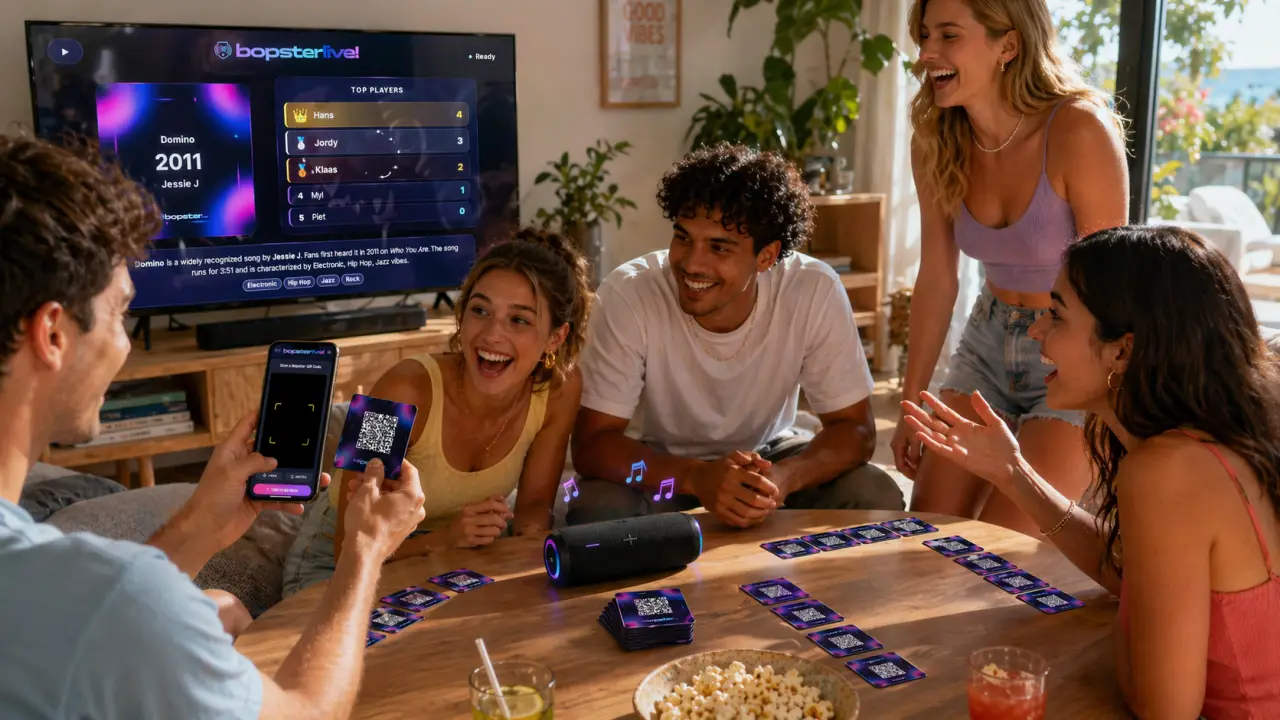 GuideFAQ
How to host a music quiz night with your own cards
Host a music quiz night at home: build a themed playlist, print QR music cards or play digitally, set up the TV and phones, and pick a game mode.
Read articleGuideFAQChristmas music quiz: make your own cards for the holidays
Plan a Christmas music quiz the whole family can play: pick festive songs, print your own QR music cards with Bopster and play on the TV or phones.
Read articleNewsFAQBopster v3 is here: what's new
Bopster v3 brings a new Studio for playlists, a Designer for printable QR music cards, your own My Bopster home and Bopstarr, your AI DJ.
Read article News
NewsNew Game Mode in Bopster Live!
New on Bopster Live: Guess the Year! (And Song)
Read article News
NewsMoving to Discogs for Enhanced Accuracy
To power our recent growth and improve data quality, Bopster is transitioning from MusicBrainz to a high-performance Discogs database. This upgrade delivers a 15% boost in year accuracy and faster search speeds across Yearify 2.0 and Bopster Live. Check out our full roadmap to see when these changes go live and which legacy services will be deprecated on February 7th.
Read article News
NewsA present to our donators & more for everyone in update 2.5
Bopster Update: New Features & Performance Boosts Thanks to recent community donations via Ko-fi, Bopster has rolled out several major upgrades for both supporters and general users. New for Donators Branding Removal: You can now disable "bopster.app" watermarks on custom image cards. Custom Live Designs: Scan your personalized cards in Bopster Live (including Chromecast mode) to see your own designs instead of standard templates. Updates for Everyone 10x Faster "Yearify Accurate": Upgraded servers have slashed processing times. A 150-song playlist search that previously took 3 minutes now finishes in just 30 seconds. Design Picker: New controls in Bopster Live allow you to filter out specific designs to better match your event's theme. How to Use Custom Live Designs To display your own art in Bopster Live, ensure you select Bopster QR Enhanced during the download process and toggle the "Use your images in Bopster Live" option on the final step.
Read article News
NewsBackground: Why don't we offer more streaming services on Bopster?
This article describes why we don't offer any more streaming services on Bopster.
Read article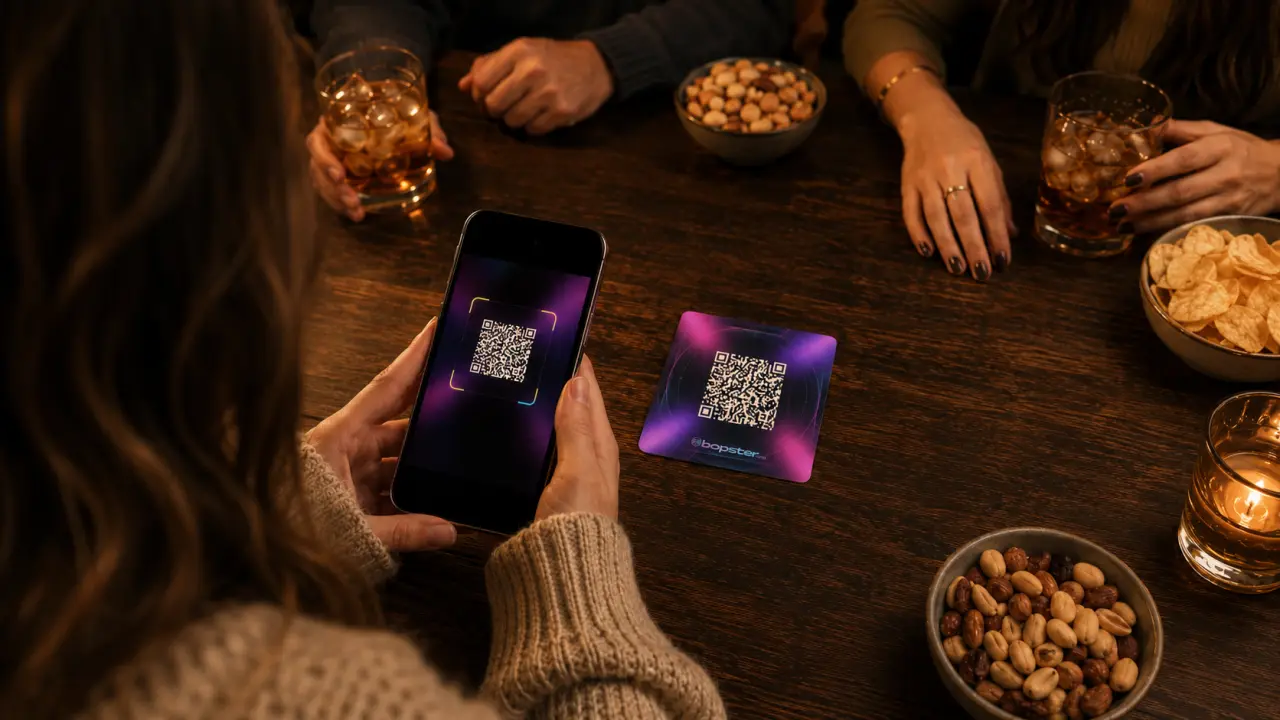 GuideFAQ
How to use Bopster Live: scan cards, play songs and play together
A step-by-step guide to Bopster Live: scan your music cards or pick a playlist, reveal songs, play Live Together on every phone and put it on your TV.
Read article Guide
GuideCustomize Your Bopster Cards: Designs, QR, Fonts, Print
Learn how to customize Bopster cards: designs, custom PNGs, QR types, fonts, mirroring, and cut lines. Create polished, print?ready cards fast.
Read article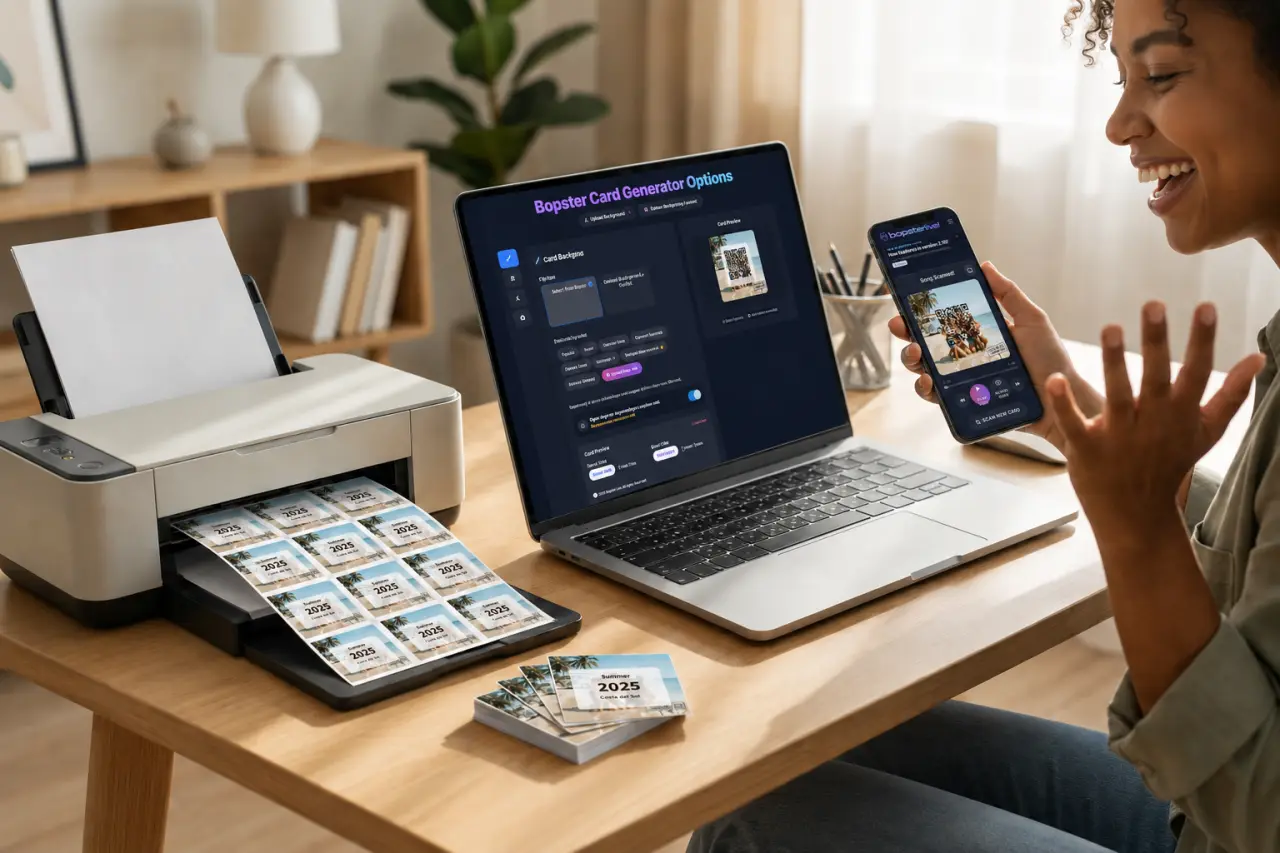 GuideFAQ
How to Create Hitster Like Cards from Spotify or YouTube
Turn a Spotify or YouTube playlist into your own printable music cards: import it in the Studio, fix the years, design the cards and print a PDF.
Read article
Nothing matches that
Try another word, or browse everything.
Quick answers
Questions we hear a lot
Short answers from our guides. Every one links to the full story.
Is the Bopster AI Designer free?
Coming up with ideas and sketches is free. Painting a card uses one credit: donators get 10 credits to start with, and every extra donation of €3 or more adds 20 more.
Read the full guideWhich AI models does the AI Designer use?
You choose between GPT Image 2.5 Sunburst, Nano Banana 2.1, Qwen Image 2.1 and Grok Imagine 2. Each paints in its own style and at its own speed.
Read the full guideWhy does my playlist show a remaster year instead of the original?
Imported songs carry the date of the version they link to, such as a remaster or compilation. Yearify looks up the earliest release year of the song so you can replace it.
Read the full guideCan I check the release year of just one song?
Yes. Use the Single Song Check in Yearify: enter the song name and optionally the artist. You can also select only a few songs from your playlist before starting a full check.
Read the full guideWhat do I need to host a music quiz at home?
A playlist, a phone or tablet with Bopster Live and a speaker. Printed QR cards, a TV and guests' own phones are optional extras that make it feel more like a game show.
Read the full guideWhich game mode works best for a big group?
Live Together with Multiple Choice. Everyone guesses on their own phone at the same time, and the three answer options keep it quick and easy to follow for large or mixed groups.
Read the full guideWhere can I find Christmas songs for a music quiz?
Search the Bopster Library for "Christmas" to find ready-made community playlists. You can also import your own Christmas playlist into the Studio or ask Bopstarr to build one from a description.
Read the full guideCan kids and grandparents play a music quiz together?
Yes. Use Multiple Choice in Live Together, which shows three possible answers, and mix songs from several decades so everyone recognises some of them.
Read the full guide
Ready to make your own?
Turn any Spotify, YouTube Music, Deezer, Apple Music or TIDAL playlist into a music quiz with printable QR cards. Free, right in your browser.